


Multifunction Printer Solutions

All-in-one printing, scanning, and copying systems.

RFQ Based

OEM Backed

System Level Offerings

Multifunction printers combine multiple functions into a single system, improving efficiency and reducing equipment footprint.

Representative OEM Options

We work with leading OEM manufacturers to provide reliable equipment solutions for this application. The brands and models shown are representative only. Final selection depends on project requirements, technical specifications, and quotation-stage confirmation.

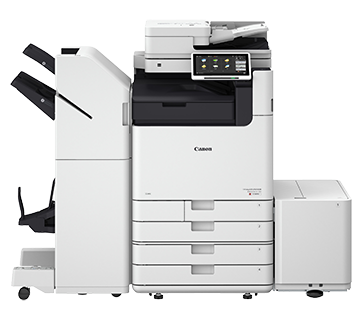
Canon

Renowned for high-quality imaging and dependable multifunction performance in office environments

REPRESENTATIVE MODELS

  • imageRUNNER Series
  • imageCLASS Series
No data was found

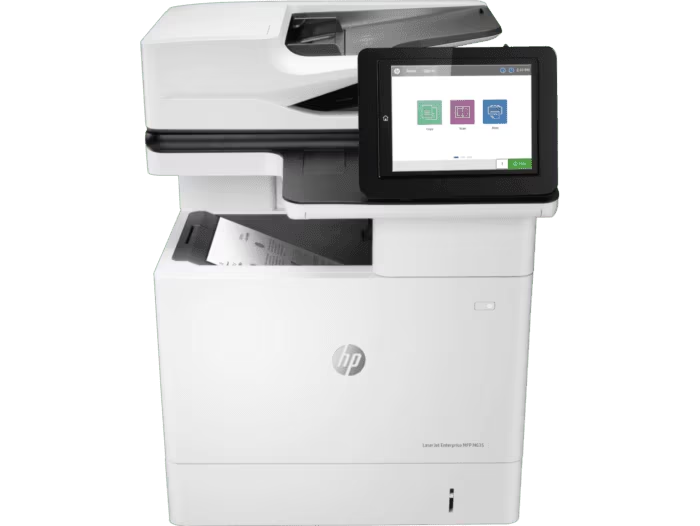
HP

Widely used for enterprise-grade multifunction printing with strong reliability, security features, and service support

REPRESENTATIVE MODELS

  • LaserJet Enterprise
  • OfficeJet Pro Series
No data was found

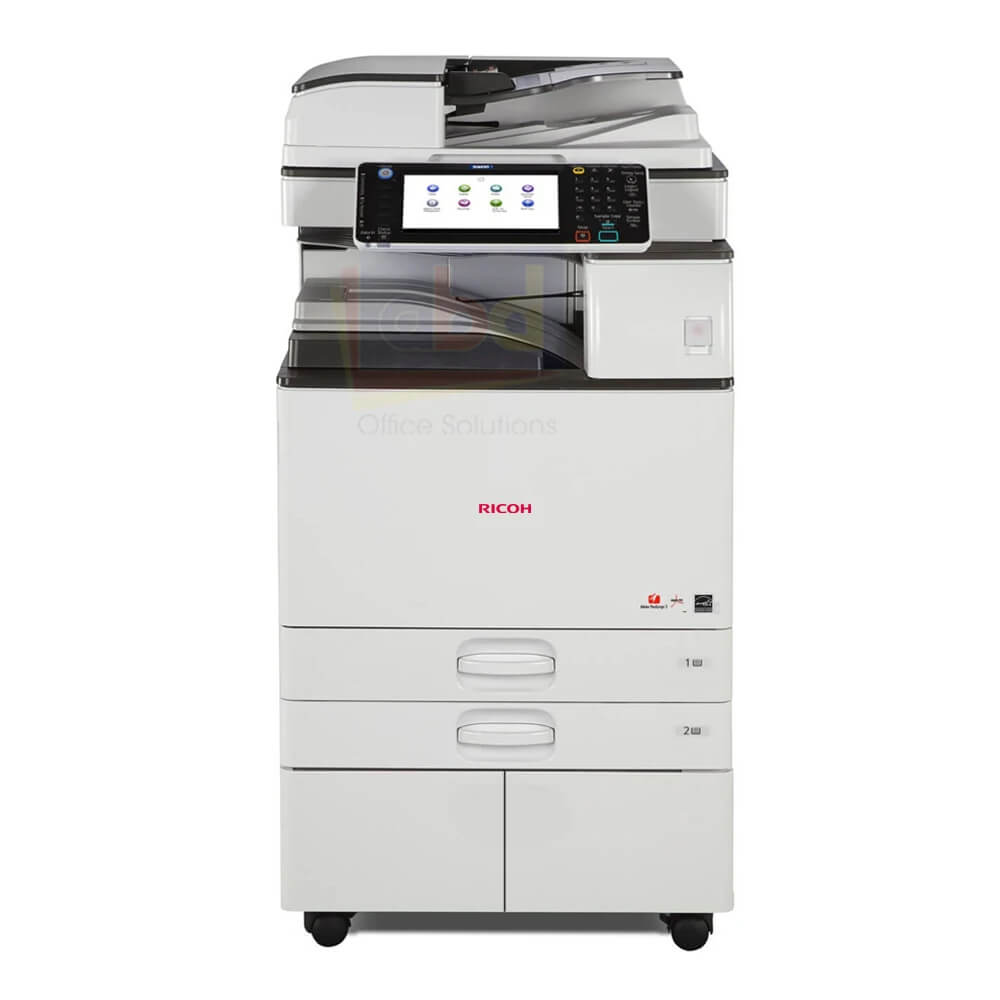
Ricoh

Trusted for robust, high-volume multifunction systems designed for continuous business operations

REPRESENTATIVE MODELS

  • IM Series
  • MP Series
No data was found

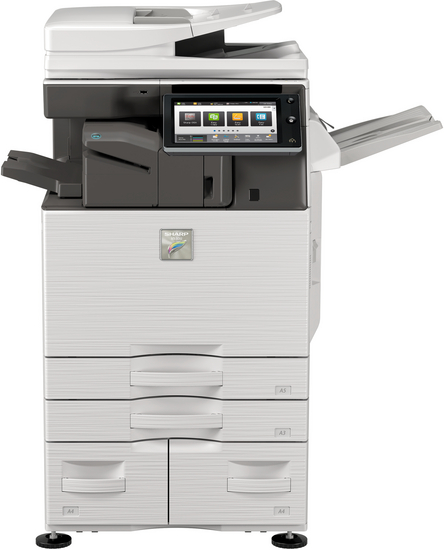
Sharp

Known for durable office multifunction systems with strong performance in corporate and administrative environments

REPRESENTATIVE MODELS

  • MX Series
No data was found

Multifunction Printers (MFPs)

Knowledge Hub

Simple, practical guides created to help you understand key features, compare available options, and choose the right equipment for your business based on usage, environment, and long-term efficiency.

MFP vs Single Function Printer: Which One Fits Your Office

This is one of the most important decisions in office setup.


Multifunction Printer (MFP)

Includes:

  • Print
  • Scan
  • Copy

Best for:

  • Offices with multiple document needs

Advantages:

  • Saves space
  • Reduces equipment cost
  • Improves workflow

Single Function Printer

Only printing

Best for:

  • Dedicated high-volume printing

Advantages:

  • Lower initial cost
  • Focused performance

Decision Guide

Choose MFP if:

  • You need scanning and copying

Choose Single Function if: You only print large volumes

No data was found

How Multifunction Printers Improve Workflow Efficiency

Multifunction printers are not just devices — they are workflow tools.


Key Workflow Benefits

1. Centralization
One machine replaces multiple devices

2. Digital Integration
Scan to email, cloud, or network

3. Reduced Manual Work
Automation of repetitive tasks


Operational Impact

  • Faster document handling
  • Reduced employee effort
  • Improved accuracy

Where MFPs Add Value

  • HR departments
  • Finance and documentation
  • Admin operations

Practical Insight

An MFP is ideal where document flow is continuous and multi-step.

No data was found

Need help choosing the right Multifunction Printers (MFPs)?

Please submit a Request a Solution inquiry and our team will review your requirement and recommend suitable products, equipment, or alternative solutions.

Trusted OEM & Brand Associations

We work with leading global manufacturers across our solution categories.